AppEnhancer Add-on
AppEnhancer DocuSign Integration
AppEnhancer (AX), formerly ApplicationXtender, is an international leader in Content Management. DocuSign is a global leader in Electronic Signatures and together they can rule the world.
Overview
The power of AppEnhancer and DocuSign, together
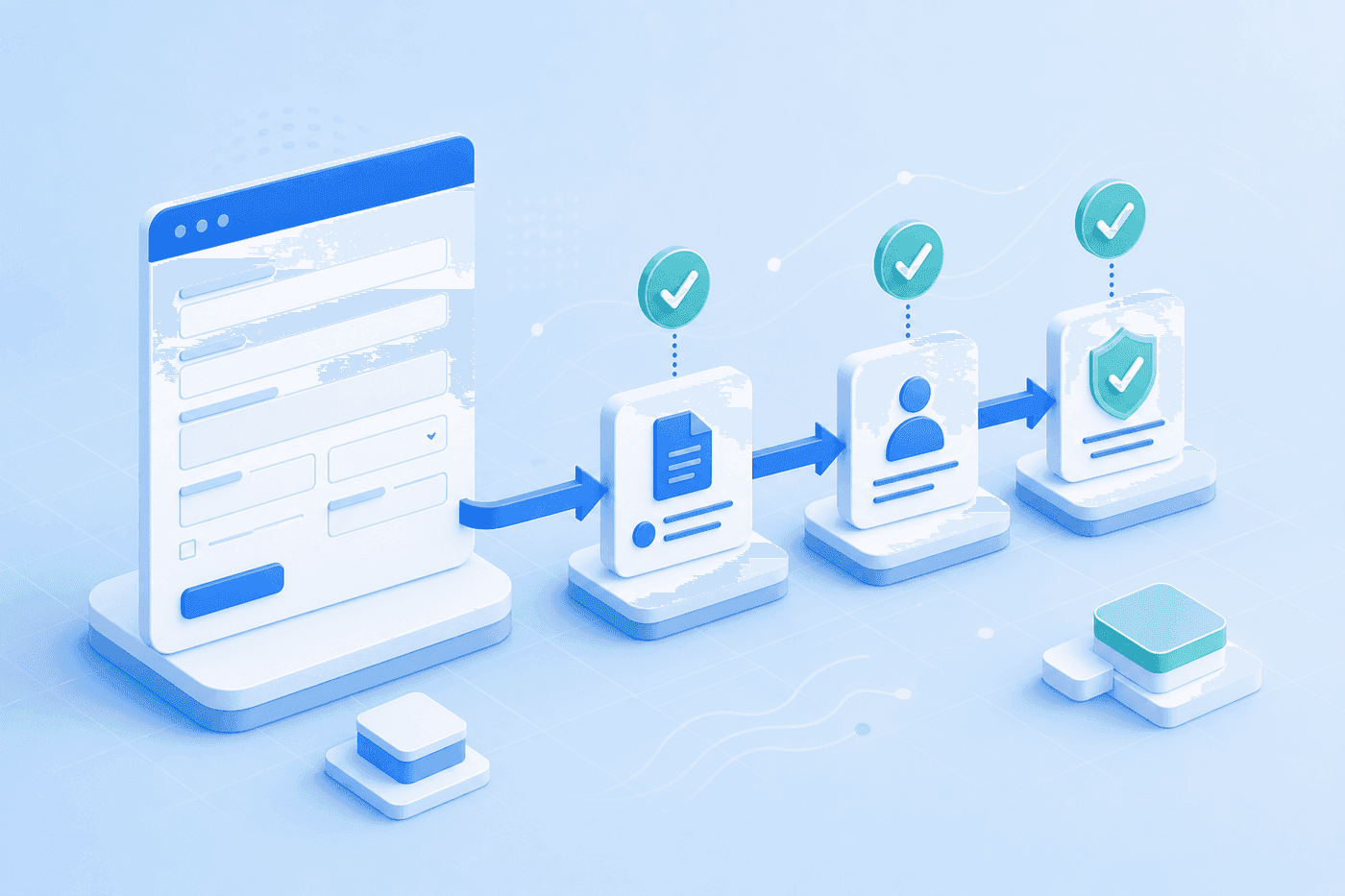
CASO Document Management and ECM Toolbox help you run your business better by bringing the power of AppEnhancer and DocuSign together. Records can be signed via DocuSign and then brought into AX for storage and review. Records can also be sent out from AX for DocuSign signatures and then brought back into AX once signed by all parties.
DocuSign can be inserted into any part of the records cycle – ranging from starting a Workflow Review Process to ending a Workflow.
How It Works
DocuSign across the records cycle
DocuSigned records in AppEnhancer will be clearly marked with the signatures and envelope information. The Envelope information is also stored in a database for audit review. A database is also created to house the electronic record information for future data mining.
ECM Toolbox Workflow includes the ability to send and receive documents to DocuSign. The ECM Toolbox DocuSign Processor (DP) is a Microsoft Windows Service that monitors one to many AppEnhancer Projects.
The DocuSign Processor (DP) creates and submits ‘DocuSign Envelopes’ to DocuSign for routing to either one or many recipients. Upon completion of recipient’s signing, the DP pulls the signed document from DocuSign, updates the document’s ‘version’ with the signed document and updates the document’s status. The DP works with ECM Toolbox WorkFlow by monitoring and updating application fields.
Key Features & Benefits
DocuSign eSignature
DocuSign is the world’s #1 electronic signature solution, giving you the power to:
- Sign documents anytime, anywhere, from virtually any device
- Create electronic agreements with a court-admissible audit trail
- Upload and send documents with ease
- Send reminders to document recipients
- Create agreements and pre-populate information from other systems
- Review and route agreements for approvals from stakeholders
- Collaborate with external parties and negotiate agreement terms via redlining and commenting
- Leverage DocuSign eSignature (sold separately) to send and sign agreements directly from DocuSign CLM
Key Features & Benefits
DocuSign CLM
Automate your entire contract lifecycle – including document generation, collaboration, workflow, and agreement repository – to save time and reduce errors.
Key Features & Benefits
DocuSign Insight
Leverage A.I.-powered contract analytics to speed the review process, identify risks and uncover opportunities. With DocuSign Insight, you can:
- Extract key terms and clauses with customizable A.I.
- Easily find, filter and analyze agreements to answer legal and business questions
- Use dashboards and reports to visualize findings
- Leverage DocuSign Analyzer to negotiate agreements with the speed and accuracy of Insight’s A.I.
CASO has helped us get over the ‘change hump.’ Not only can we get things done quicker with the electronic workflow implemented by CASO, but we can also now measure productivity for staffing models and customer satisfaction.
Bring DocuSign and AppEnhancer together
Contact us today to schedule your FREE consultation.